We’ve all been there. You land after an exhausting long-haul flight, your phone is sitting on a critical 4% battery, your laptop is dead, and the wall socket at the airport looks like a relic from a different century. Worse yet, your flimsy hotel travel adapter sparks the moment you plug it in. If you travel for work, adventure, or emergency preparedness, you don’t need a collection of loose wires rolling around the bottom of your bag. You need a dedicated, battle-tested charging kit. Enter the Crash Pack—a streamlined, grab-and-go power station designed to keep every piece of your essential tech alive, anywhere in the world, without a single compromise.
1. One Hub to Rule Them All: GaN Tech & Universal Adaptability The backbone of this kit relies on two pieces of hardware working in perfect harmony: the MOMAX Universal Travel Adapter and the UGREEN Nexode 100W GaN Charger. Traditional travel adapters are bulky and often fail to deliver enough juice to fast-charge modern devices. By pairing a worldwide adapter (covering US, EU, UK, and APAC grids) with a 100W Gallium Nitride (GaN) desktop plug, you unlock massive multi-device charging speeds out of a single wall outlet. This setup comfortably handles a power-hungry MacBook Pro, an iPad, and your phone simultaneously without breaking a sweat or overheating.
2. Off-Grid Insurance: The 20,000mAh Safety Net What happens when there isn’t a wall socket insight? Whether you’re stuck on a tarmac, riding a train across Europe, or facing a sudden power cut, the UGREEN Nexode 20,000mAh Power Bank keeps you operational. Offering a hefty 45W output, it’s fast enough to keep tablets and lightweight laptops alive. Crucially, it features a built-in USB-C cable—meaning even if you lose your entire cable pouch, you still have an uncompromised backup power source attached directly to the brick.
3. Redundancy is Key: Every USB Type Covered A true grab-and-go pack must be completely legacy-proof and future-proof. It shouldn’t just charge your current phone; it needs to handle your wireless headphones, your camera, your smartwatch, or a colleague’s older device in an emergency. The Crash Pack achieves this by splitting lines across dedicated, heavy-duty 100W Type-C cords (with a 3-metre option to reach those awkwardly placed hotel sockets behind the bed) and specialized adapters. With dedicated MFi Lightning lines, an Apple Watch magnetic dock, and a nylon-braided 3-in-1 multi-cable (Micro USB, Type-C, and Lightning), there is zero guesswork. If it boots up via a USB port, this kit can power it.
4. The Protective Shell Throwing premium charging gear loosely into a backpack is a recipe for frayed copper and cracked plastic. The entire kit is housed inside the ECOHUB Wide-Open Organizer. Originally built as a heavy-duty toiletry bag, its water-resistant shell and wide-mouth framing make it the perfect structural pouch for tech. It lays completely flat when unzipped, giving you immediate visual inventory of your gear so you never accidentally leave a cable behind in a hotel room.
The Bottom Line For an investment of roughly £170, the Crash Pack removes “low battery anxiety” from your vocabulary permanently. It’s compact, incredibly rugged, and guarantees that no matter what country you step foot in, you are entirely self-sufficient. Pack it once, keep it zipped, and never worry about power again.
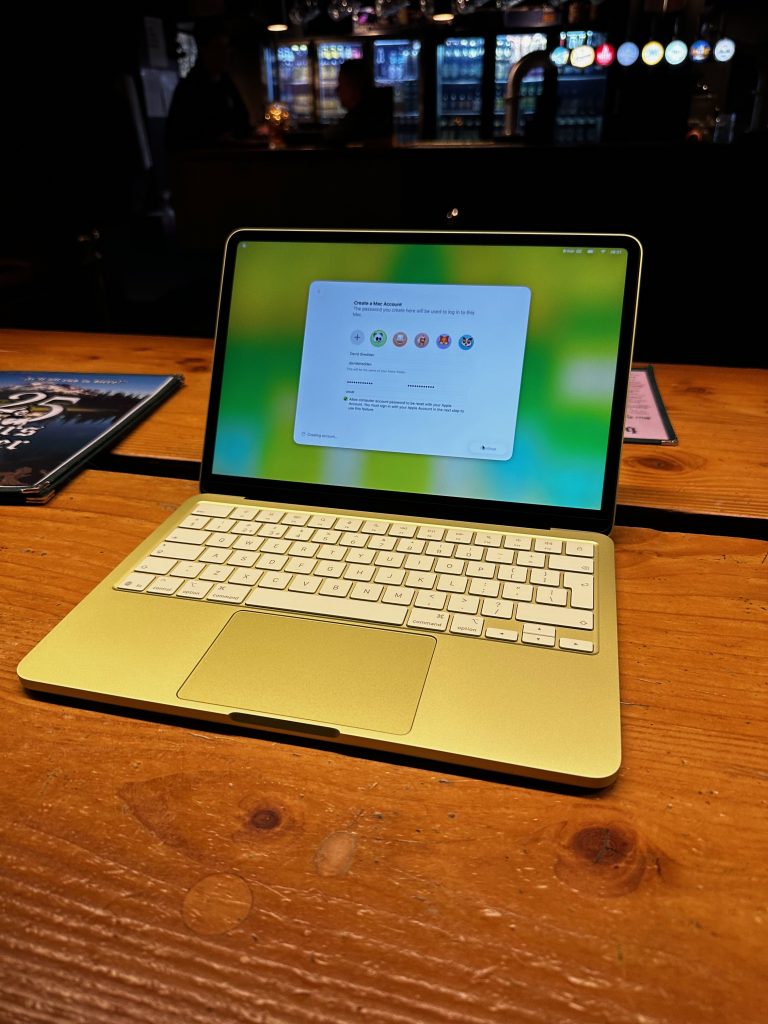
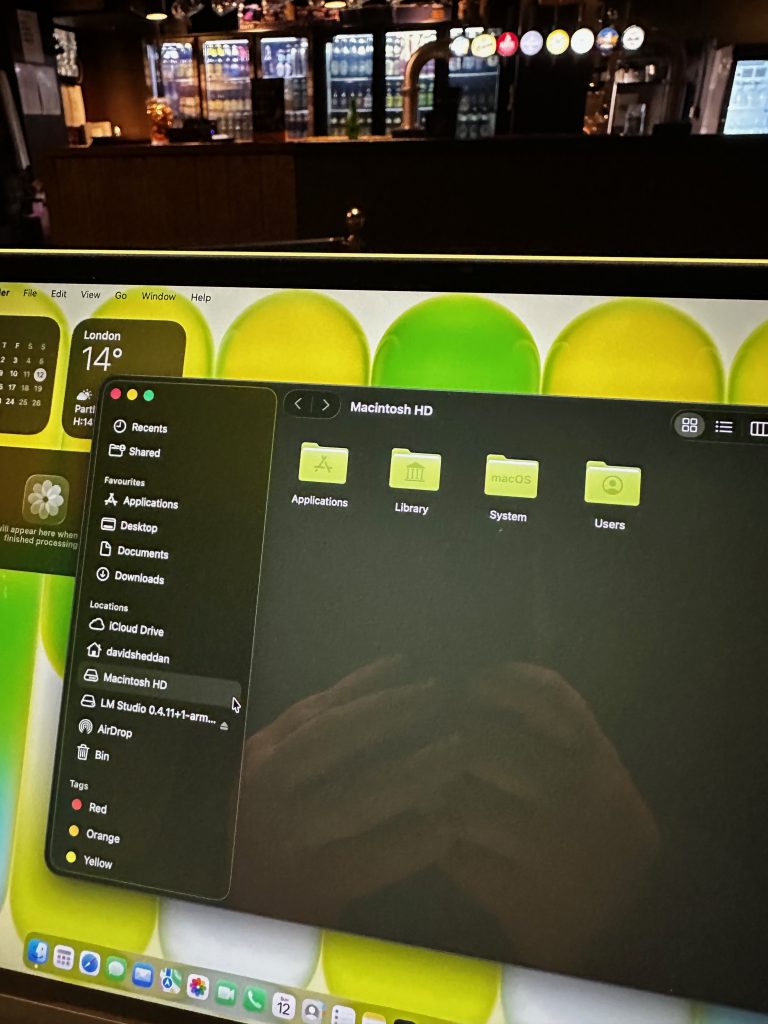
I’ve spent the last month living with the MacBook Neo, and honestly? It’s a cracking little machine. But as much as I love the portability, there’s only so much serious work you can do hunched over a laptop at the kitchen table.
I wanted a “home base.” A proper, grown-up workstation where I could just sit down and get stuck in. But I also didn’t want to spend a fortune, and I certainly didn’t want a desk buried under a mountain of cables.
So, I set myself a challenge: Could I build a full-blown, 4K professional setup for under £1,000, including the computer?
It turns out, you absolutely can. And the result is a bit of a dream.
The Magic of the “Single Cable”
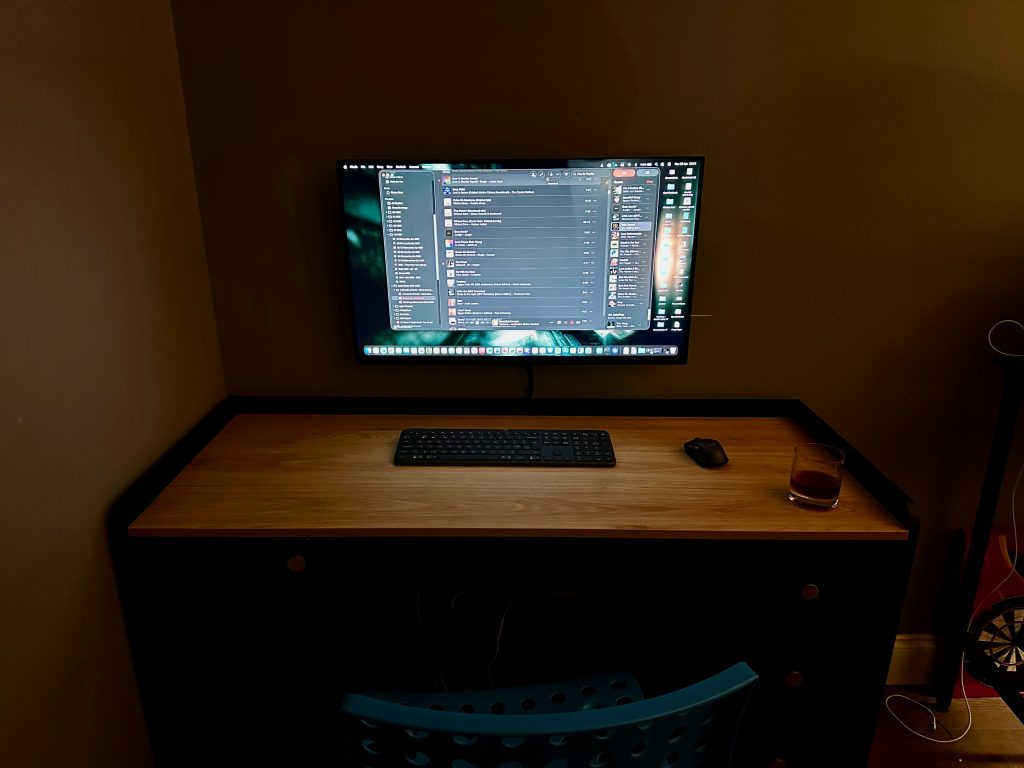
This is the part that still makes me grin every time I sit down. I have one single USB-C cable sitting on my desk. I walk in, plug it into the Neo, and—magic.
The laptop starts charging, the keyboard and mouse wake up, and a massive 32-inch 4K screen springs to life. No faffing with five different wires or hunting for chargers. It’s just… ready.
The Gear That Made It Happen
To keep things under budget, I had to be smart. I skipped the posh, overpriced docking stations and went for a modular setup using UGreen hubs and chargers. It’s tucked away, tidy, and works perfectly.
For the screen, I found the Samsung ViewFinity S7. At 32 inches, it is massive. Being able to have my emails, a browser, and a project open all at once without squinting feels like a superpower. If you’re still working on a small laptop screen, trust me—this is the upgrade you actually need.
I finished it off with the Logitech Signature Slim keyboard and mouse. It’s quiet, feels premium, and lets me switch between the Mac and my phone with one tap.
The Damage
Here’s the best bit. Even with the nice peripherals and the big 4K display, the whole lot came to £963.46.
MacBook Neo: £599.00
32″ 4K Monitor: £219.00
Logitech Keyboard/Mouse: £79.99
The Hubs & Cables: ~£65.00
Why I’m Chuffed
We often think we need to spend thousands on “Pro” gear to get a great experience, but we really don’t. This setup handles everything I throw at it—from daily life admin to creative projects—with zero friction.
It’s simple, it’s clean, and it just works. If you’ve been thinking about upgrading your desk, stop overcomplicating it. This is the “sweet spot” setup that most of us actually need.
I didn’t expect to like the MacBook Neo as much as I do.
That’s probably the best place to start. I’ve spent years around laptops that try very hard to impress—machines that scream power, glow in RGB, or cost about the same as a decent second-hand car. So when something turns up that looks this… calm, I tend to assume it’s going to be a bit forgettable.
It isn’t.
There’s something oddly satisfying about a laptop that just gets out of your way. The Neo doesn’t demand attention, it doesn’t flex specs at you—it just quietly does everything you ask of it, and does it well. I found myself opening it for “a quick check of something” and then, an hour later, realising I’d done half a day’s work without once thinking about the machine itself.
That’s rare.
The Kind of Performance That Actually Matters
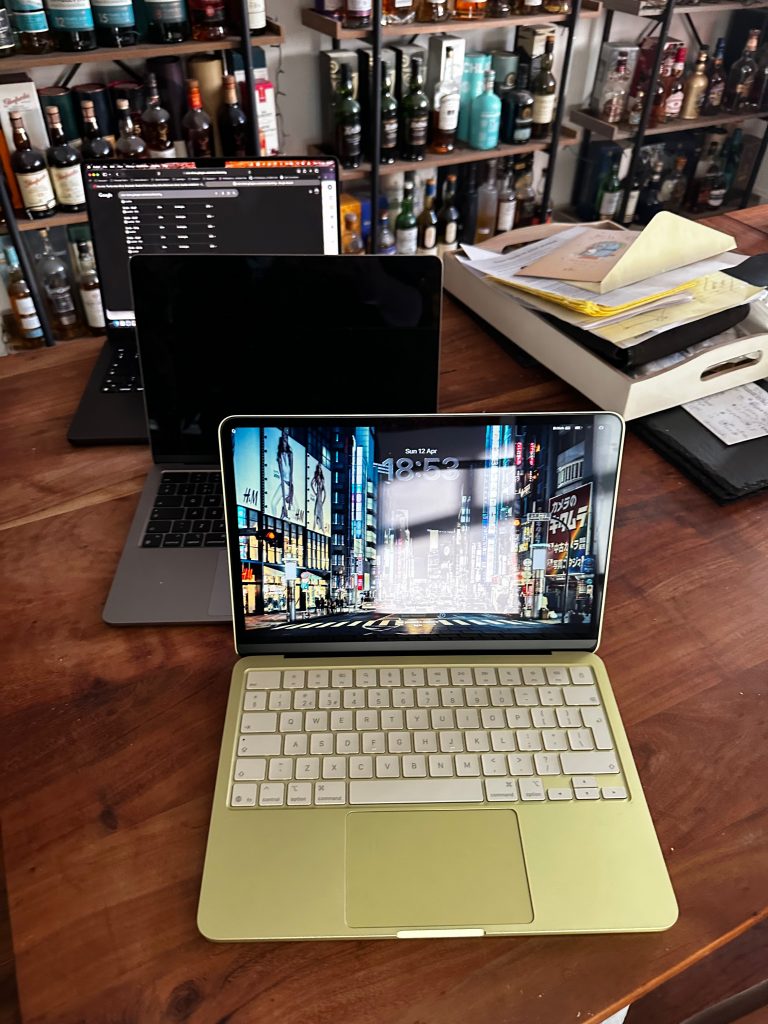
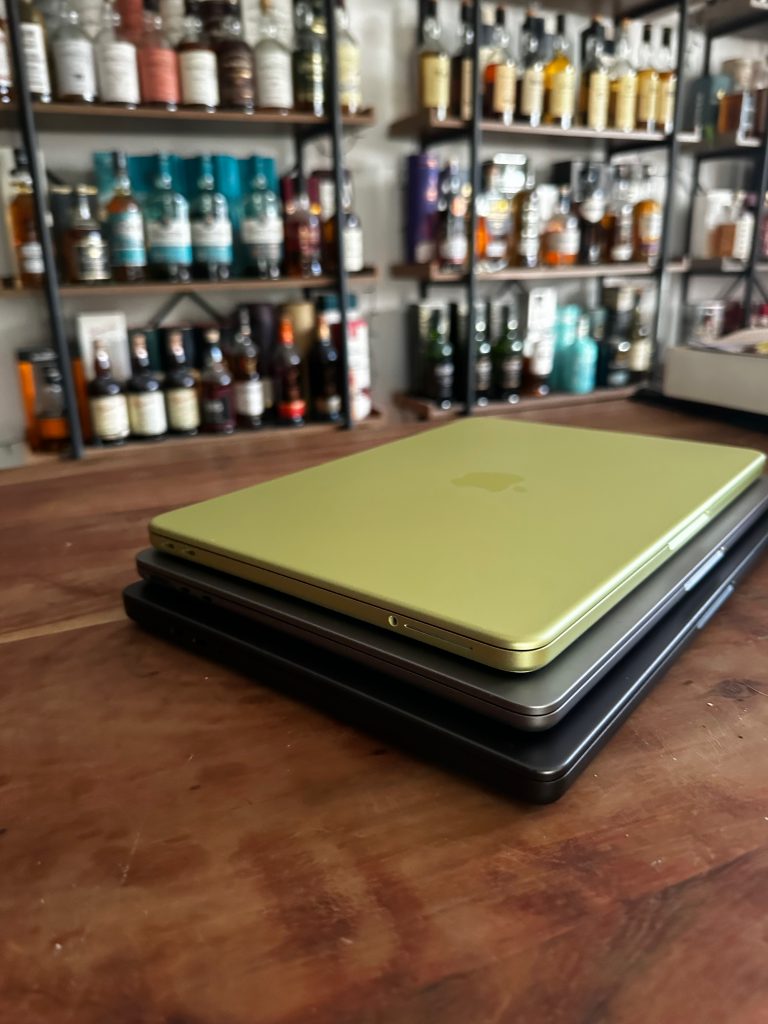
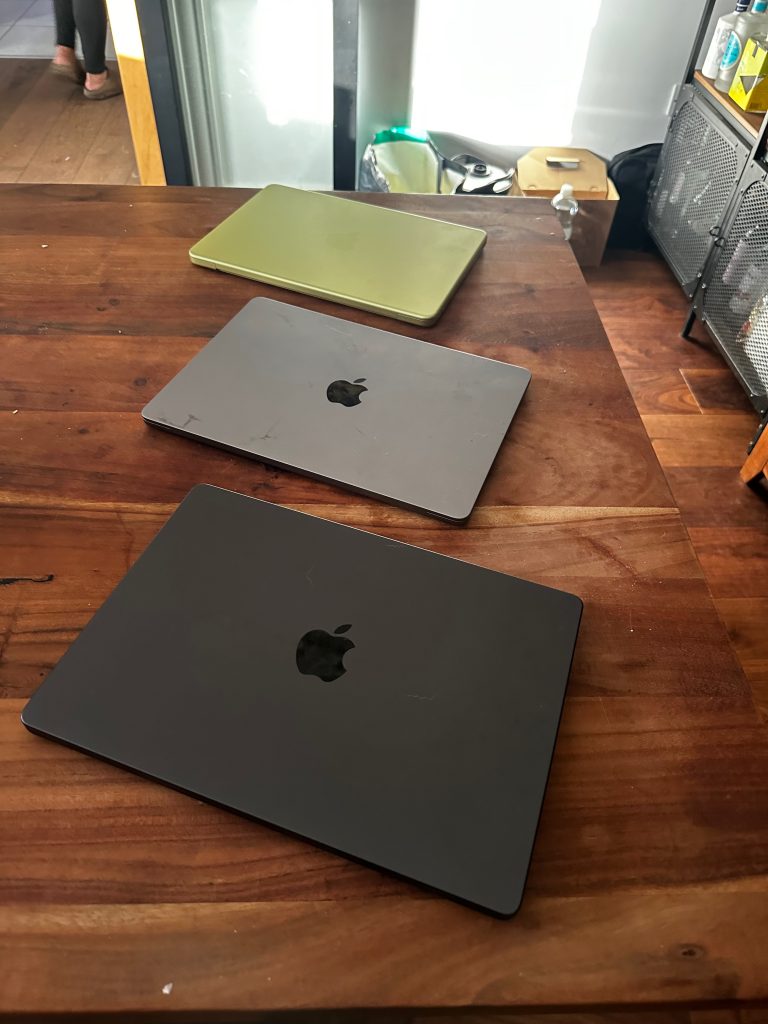
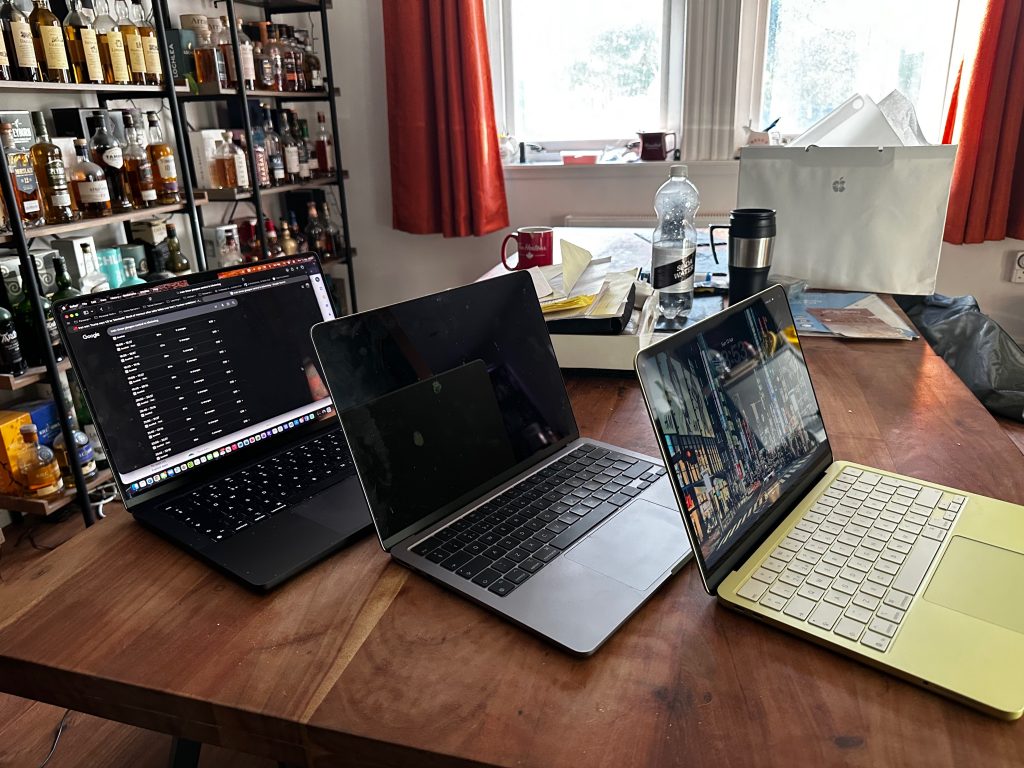
I’ve got access to more laptops than any one person reasonably should—MacBook Airs, Pros, various configs that could probably run a small country. So I did what any self-respecting tech geek would do: I lined them all up on the table and started bouncing between them like a kid in a sweet shop.
And here’s the thing. The Neo holds its own in a way that’s almost annoying.
No, it’s not beating a fully loaded Pro in raw performance, but that’s missing the point. In actual day-to-day use—browsing, writing, streaming, juggling apps—it feels fast. Not “budget fast” or “good enough fast.” Just… fast.
There’s no drama to it. No fan noise ramping up like it’s about to take off, no sense that you’re pushing it too hard. It just keeps pace with you, which, frankly, is all most people ever need.
It Feels Like the Right Moment
I’ve always liked Apple gear, but I’ve also been the first to admit that recommending it used to come with caveats. Price, mainly. And sometimes that slight feeling that you were paying a premium for the experience.
The Neo changes that conversation.
It feels like Apple has finally hit a point where the entry into their ecosystem isn’t a leap—it’s a step. A sensible one. You’re not sacrificing quality, you’re not buying into something “lesser.” You’re just getting a well-balanced machine that fits into real life.
And that’s a surprisingly big shift.
The Ecosystem Hook (Yes, It Got Me Again)
I should be immune to this by now. I know exactly how Apple pulls you in. I’ve seen it, I’ve explained it to people, I’ve probably bored friends talking about it.
And yet… here we are.
If you’ve already got an iPhone or an iPad, the Neo doesn’t arrive as a standalone gadget—it slots into your life like it was always meant to be there. Messages pop up where you expect them, files move around without ceremony, and you stop doing all those little workaround behaviours you didn’t even realise you’d built up over the years.
It’s not one big “wow” feature. It’s a hundred tiny moments of “oh, that’s nice.” And they add up quickly.
The Bit I Didn’t Expect
What surprised me most is how likeable this thing is.
Not in a spec-sheet sense, not in a “look what it can do” way, but in that slightly intangible, hard-to-define way where you just keep reaching for it. It’s the laptop you grab without thinking, the one that ends up open on the table while everything else gathers a bit of dust.
There are more powerful machines. There are more expensive ones. There are definitely more over-the-top ones.
But this? This feels like the one most people should actually buy.
Final Thought
The MacBook Neo isn’t trying to be the hero device. It’s not chasing headlines or flexing for attention.
It’s just… right.
And as someone who’s spent far too long obsessing over tech, specs, and what’s “best,” I didn’t expect to be this impressed by something that succeeds by not trying too hard.
MacBook Neo: The Laptop That Snuck Up on Me
I didn’t expect to like the MacBook Neo as much as I do.
That’s probably the best place to start. I’ve spent years around laptops that try very hard to impress—machines that scream power, glow in RGB, or cost about the same as a decent second-hand car. So when something turns up that looks this… calm, I tend to assume it’s going to be a bit forgettable.
It isn’t.
There’s something oddly satisfying about a laptop that just gets out of your way. The Neo doesn’t demand attention, it doesn’t flex specs at you—it just quietly does everything you ask of it, and does it well. I found myself opening it for “a quick check of something” and then, an hour later, realising I’d done half a day’s work without once thinking about the machine itself.
That’s rare.
The Kind of Performance That Actually Matters
I’ve got access to more laptops than any one person reasonably should—MacBook Airs, Pros, various configs that could probably run a small country. So I did what any self-respecting tech geek would do: I lined them all up on the table and started bouncing between them like a kid in a sweet shop.
And here’s the thing. The Neo holds its own in a way that’s almost annoying.
No, it’s not beating a fully loaded Pro in raw performance, but that’s missing the point. In actual day-to-day use—browsing, writing, streaming, juggling apps—it feels fast. Not “budget fast” or “good enough fast.” Just… fast.
There’s no drama to it. No fan noise ramping up like it’s about to take off, no sense that you’re pushing it too hard. It just keeps pace with you, which, frankly, is all most people ever need.
It Feels Like the Right Moment
I’ve always liked Apple gear, but I’ve also been the first to admit that recommending it used to come with caveats. Price, mainly. And sometimes that slight feeling that you were paying a premium for the experience.
The Neo changes that conversation.
It feels like Apple has finally hit a point where the entry into their ecosystem isn’t a leap—it’s a step. A sensible one. You’re not sacrificing quality, you’re not buying into something “lesser.” You’re just getting a well-balanced machine that fits into real life.
And that’s a surprisingly big shift.
The Ecosystem Hook (Yes, It Got Me Again)
I should be immune to this by now. I know exactly how Apple pulls you in. I’ve seen it, I’ve explained it to people, I’ve probably bored friends talking about it.
And yet… here we are.
If you’ve already got an iPhone or an iPad, the Neo doesn’t arrive as a standalone gadget—it slots into your life like it was always meant to be there. Messages pop up where you expect them, files move around without ceremony, and you stop doing all those little workaround behaviours you didn’t even realise you’d built up over the years.
It’s not one big “wow” feature. It’s a hundred tiny moments of “oh, that’s nice.” And they add up quickly.
The Bit I Didn’t Expect
What surprised me most is how likeable this thing is.
Not in a spec-sheet sense, not in a “look what it can do” way, but in that slightly intangible, hard-to-define way where you just keep reaching for it. It’s the laptop you grab without thinking, the one that ends up open on the table while everything else gathers a bit of dust.
There are more powerful machines. There are more expensive ones. There are definitely more over-the-top ones.
But this? This feels like the one most people should actually buy.
Final Thought
The MacBook Neo isn’t trying to be the hero device. It’s not chasing headlines or flexing for attention.
It’s just… right.
And as someone who’s spent far too long obsessing over tech, specs, and what’s “best,” I didn’t expect to be this impressed by something that succeeds by not trying too hard.
I’m really over big tech companies eating my data. Whilst my love of Apple will never die, I’m done with Facebook, Twitter, and all prechewed services. I’m going back to the 00s, I’m re-embracing blogging. It’s mine, I own it, and I’ll choose how it looks, what it can be used for and the things I want to say. It’s time for us all to break free.
If you believed the marketing departments for most consumer network vendors, you’d believe that Wifi7 is the messiah. It’s all very 5G, again. Whether I’m right or wrong will be proven in time, but I’ll start with the simple statement:
“Wires beat wireless anytime”
David Sheddan
Whether it be in a large detached home, a council semi detached, flat or apartment. If you can wire a network connected device you absolutely should.
I’ve already completed a 1gig(2.5gig) network in my apartment which is powered by a 1gig symmetric Hyperoptic link. When I built that network back in 2012 , 1 gig was a pipe dream, 5e seemed fast enough. The network has performed flawlessly (and continues to do so). All the TVs are powered by AppleTV, the office has wired network points and the wifi is good. And whilst there are several things I’m going to to do modernise it – thats for another story.
With this isn mind, one of the top “to do” items for our new house when we purchased in in 2019 was a modernised network. As with all such projects, it’s been 4 years, but that journey is now complete. The auricles in this series will go through the concept, through to design, installation and build, plus lessons learned. In the interim, I’ve been running on a Wifi5 – Orbi service, which has been excellent.
So what’s the vision:
I wanted to install a network that would work for me, today, tomorrow, indeed for the next 20-25 years. A wire once, and upgrade if you will. I’ve termed this 25for25, as in effect I want to be able to deliver up to 25Gbit connections anywhere in my house. So is that even possible, how did I do it and did I succeed.
I’ve always found myself of that difficult generation who “thinks” they want an iPad but always end up moving to laptop or phone. In principle I love the idea of being able to carry a powerful sub laptop that can also act as a great media content device. In practice though, I really find fitting into the tablet ecosystem difficult. If it’s for something quick a modern iPhone screen is big enough to complete most of the basic and not so basic tasks that I need. When it’s for proper work, then it’s always going to need a proper OS and keyboard.
To that end, I’ve got an 2nd generation iPad Pro 12.9, but it’s done very little in the way of work. Sure it’s loaded with all my text books, my media – but it’s used fleetingly at best, to the point that I’m repurposing it as the “house iPad” (on that topic – Apple please hurry up and implement multi user support!).
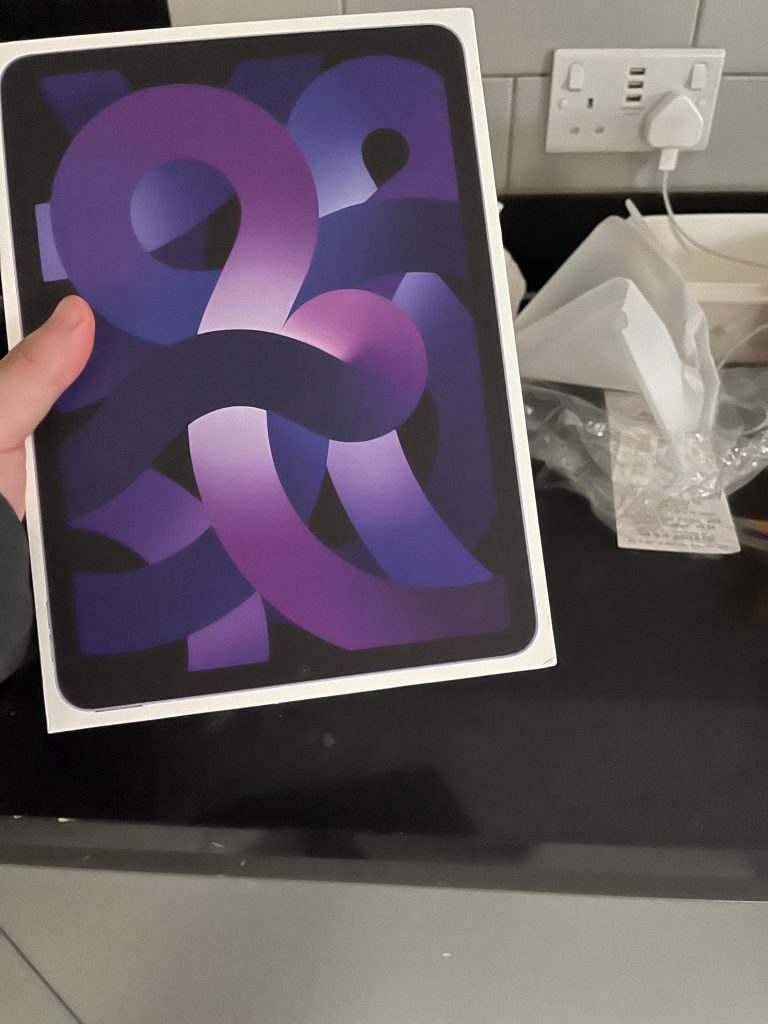
I’ve recently picked up a new 2022 iPad Air, and I’ve got to say, I struggle to see why anyone would want more. In a 10.9 inch footprint, with TouchID, ability to add a Smart Keyboard and Apple Pencil support, it’s already ticking a lot of boxes, but the addition of an M1 chip – and I mean, what more do you need? Impressed to say the least, it’s mind boggling to think of the power Apple devices are going to have down the pike. If I were Intel, I’d be worried – Arm all the way!
We bought our place in the countryside in 2019 – ahead of the crazy world changing year that was 2020. We’ve kept our apartment in the city as my partner works nearer Glasgow, and we love it’s location. I probably should have blogged a lot more about the journey, but here we are. One of the main challenges we massively underestimated about buying the new place, was the fact that not moving but adding it to our life meant we had to basically buy everything for a home again (not move it from our apartment), so it’s taken us a good couple years, but hte basics are covered and we can move to some luxury items – and that obviously includes tech!
I’d wanted to get a really top of the line AV setup throughout the home, all rooms have a minimum 43 inch QLED/LED screen (we went for Samsung). The living room has a 2019 Q90 65 QLED wall hung. I’m a huge QLED fan in the OLED/QLED debate – I don’t get why we’d go backwards and have to worry about direct sunlight and burn in. To my eyes the modern QLEDs are every bit as good and definitely have more features for the money. When buying the screen, I’d had my eye on the matching Samsung surround setup, but over time I’ve migrated to getting a Sonos setup – Arc + Sub + 2x SL rears. It’s all connected to a 2nd Generation Apple TV 4K, through an HDFury Arcada.
Atmos is a bear to get going though – I’ll explain why in future posts.
I thought I’d lost count of the number of times that I’ve restarted this blog, but that’s a lie. I’ve held this domain and blog for 16 years, and in that time I’ve rebuilt it at least 3 times. Sometimes it’s good to hold onto the old to keep a track of the past, but then if you never look at it, and you’ve move past it is it not a waste.
This blog is fully my personal thoughts and opinions. Nothing expressed here is the viewpoint, relation or sanctioned by anyone or any company that I have worked or work for. I hope this to be a mix of technology, graphics, art, music and video.
Thanks for stopping by- I hope it gets way more interesting that this holding statement.